Online Coloring Pages
Pick a picture and color it in the browser. Every sheet below opens its own online coloring page.
Trending Coloring Pages
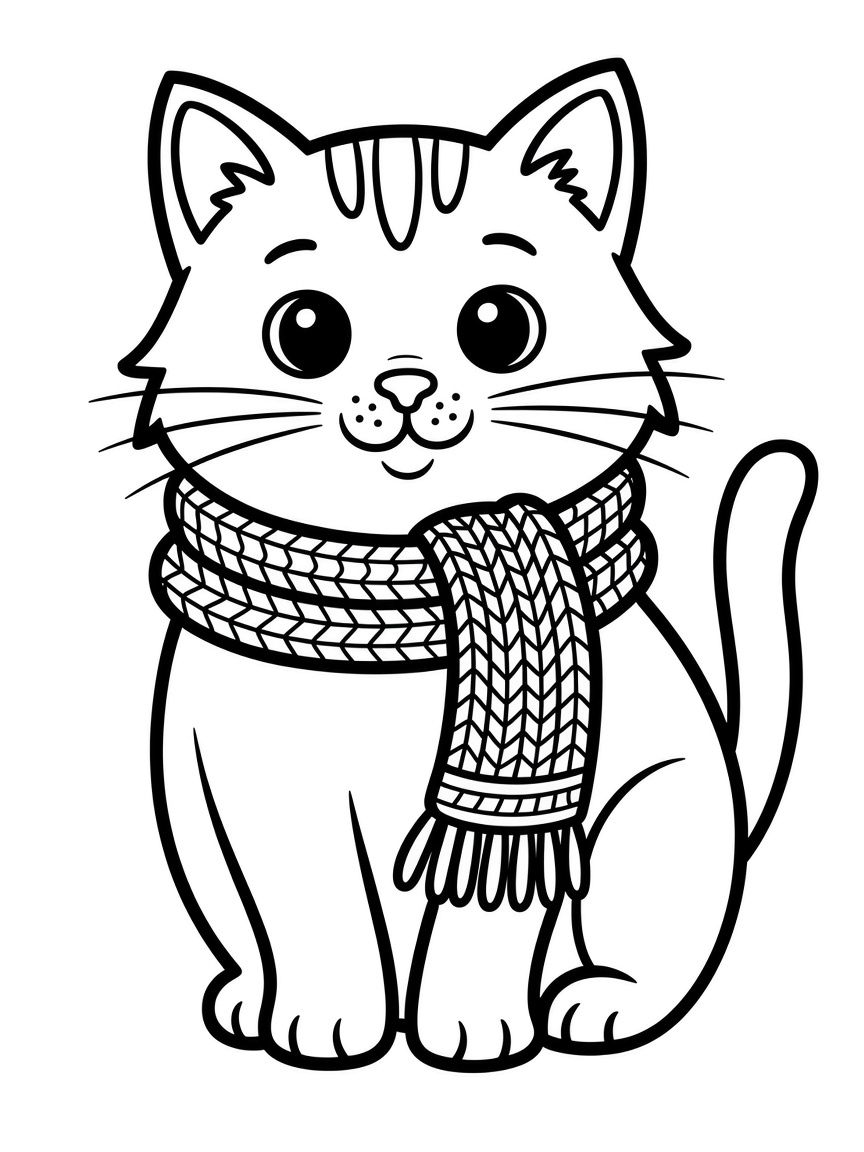
- Color a cat in a scarf onlineColor Online
- Color a burger onlineColor Online

- Color a dinosaur waving onlineColor Online

- Color a cupcake onlineColor Online

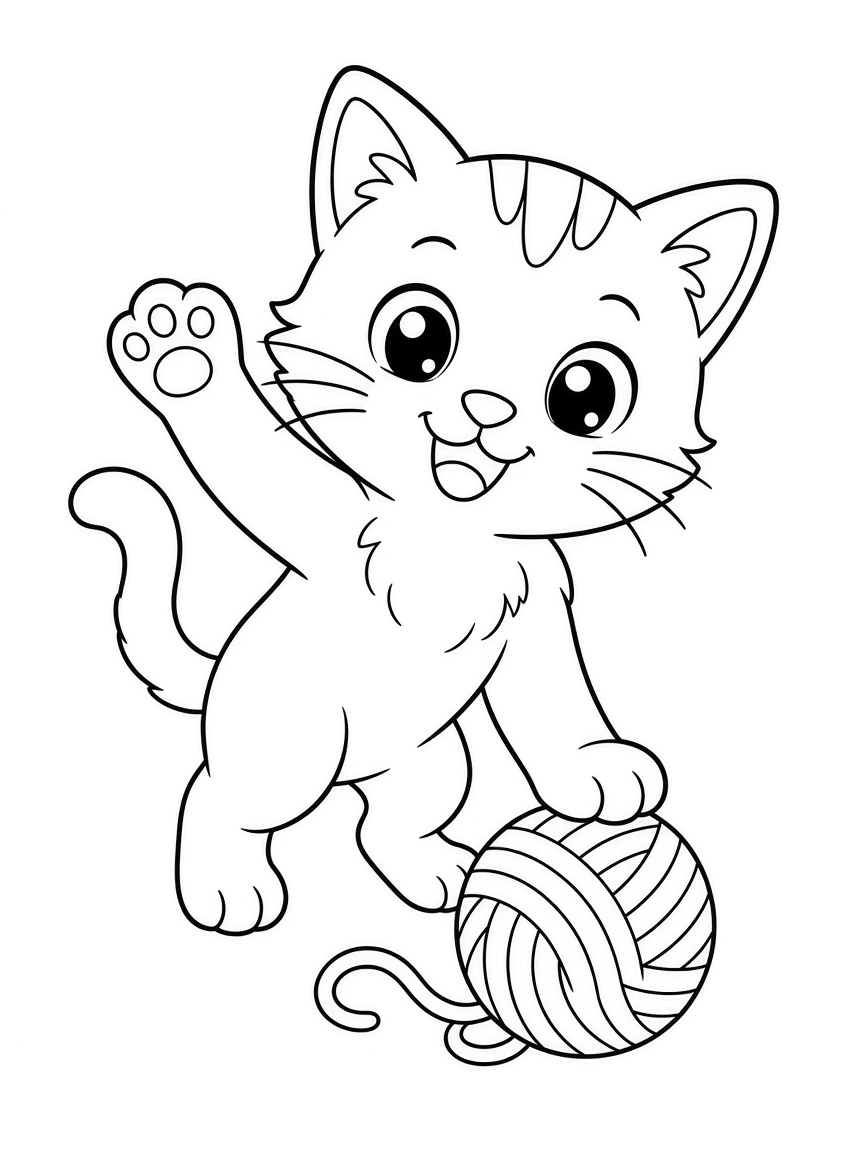
- Color a cat with a yarn ball onlineColor Online
- Color a pizza slice onlineColor Online

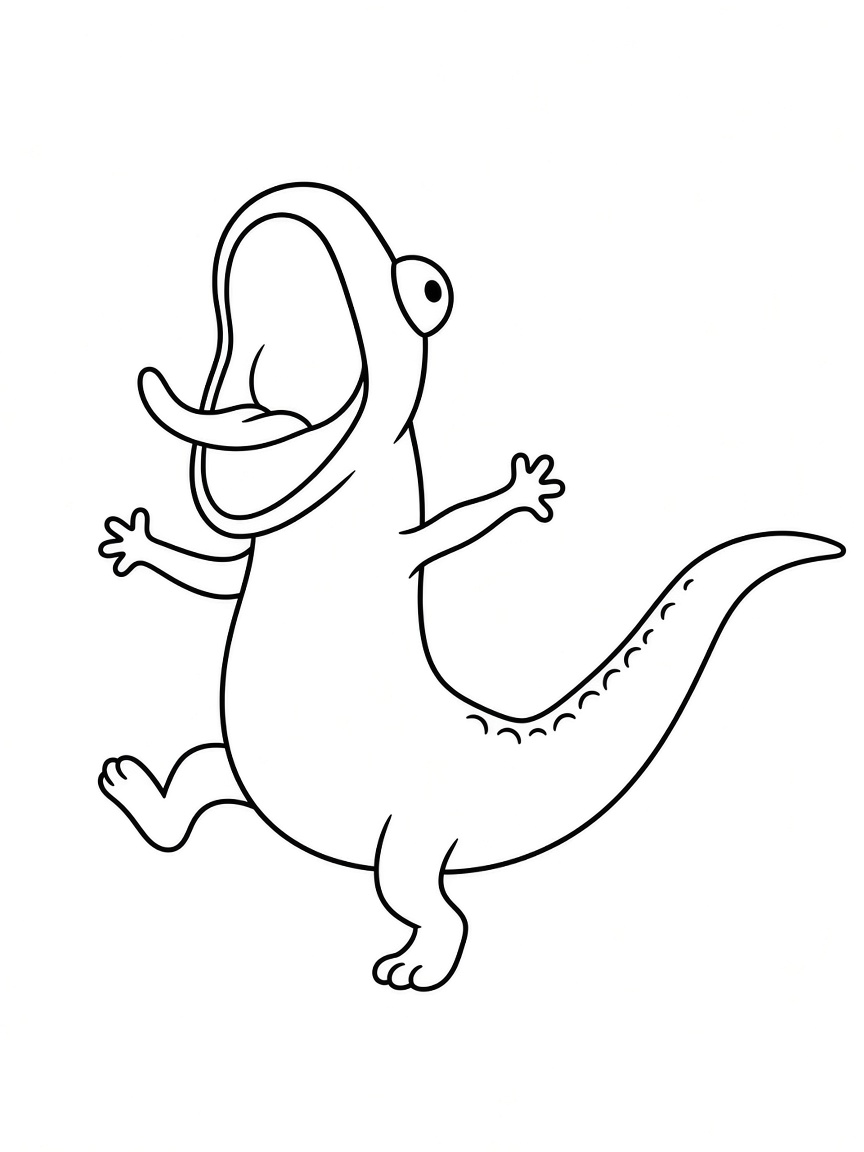
- Color a dinosaur dancing onlineColor Online
- Color a donut onlineColor Online

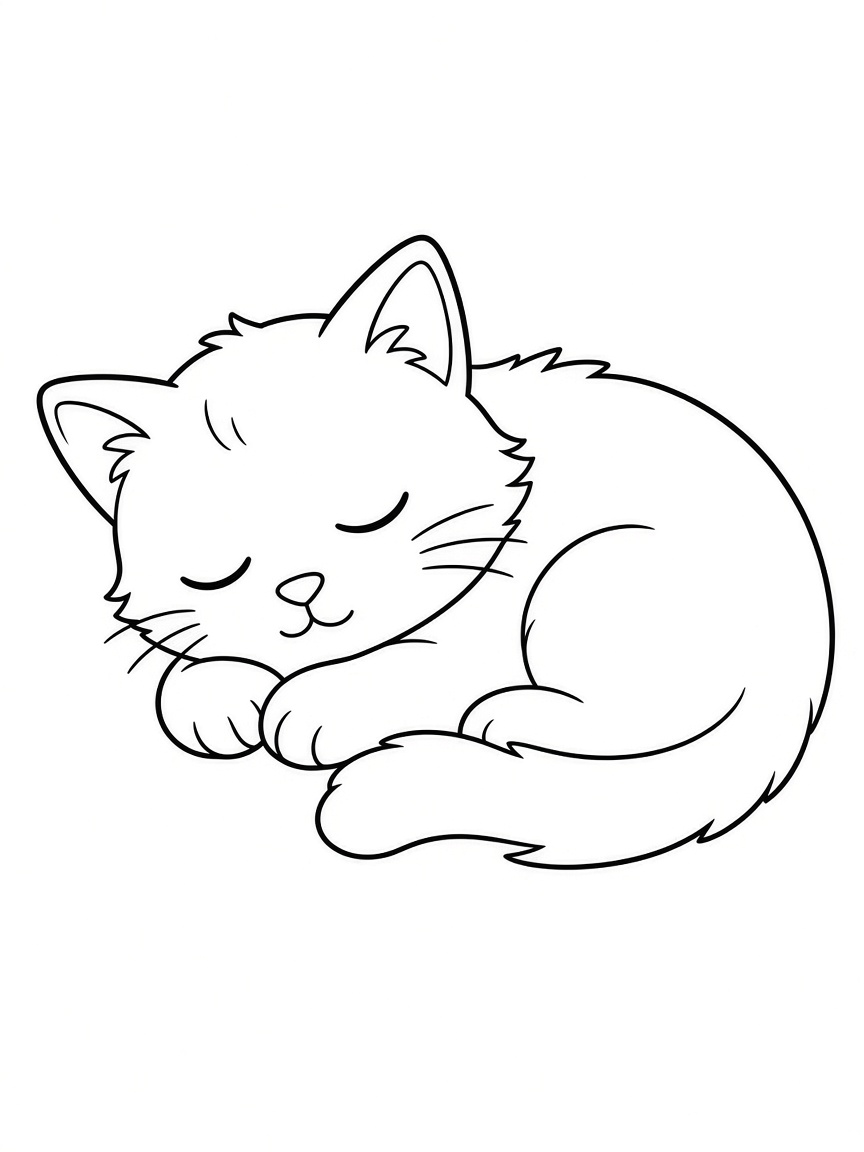
- Color a sleeping cat onlineColor Online
- Color a ramen bowl onlineColor Online

All Collections
Pick a theme and start coloring
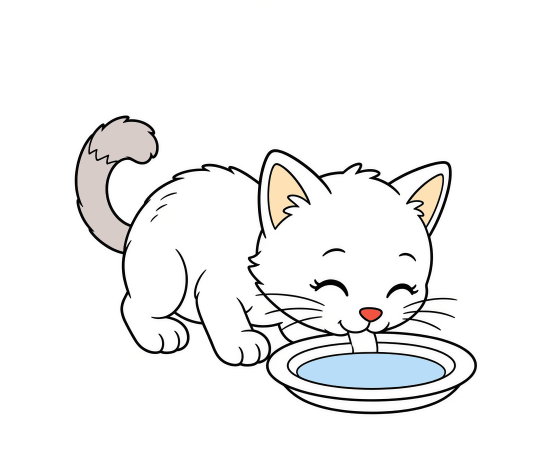
Cat Coloring Pages
Cats in scarves, with yarn, and more cute poses to print or color online.
Dinosaur Coloring Pages
Friendly dinos with bold outlines for little paleontologists.
Food Coloring Pages
Burgers, cupcakes, pizza, and more tasty sheets to color.
Bunny Coloring Pages
Easter baskets, carrots, flower crowns, and sleepy bunnies to print or color online.
Dog Coloring Pages
Puppies with balls, bones, baths, and more cute dog poses to print or color online.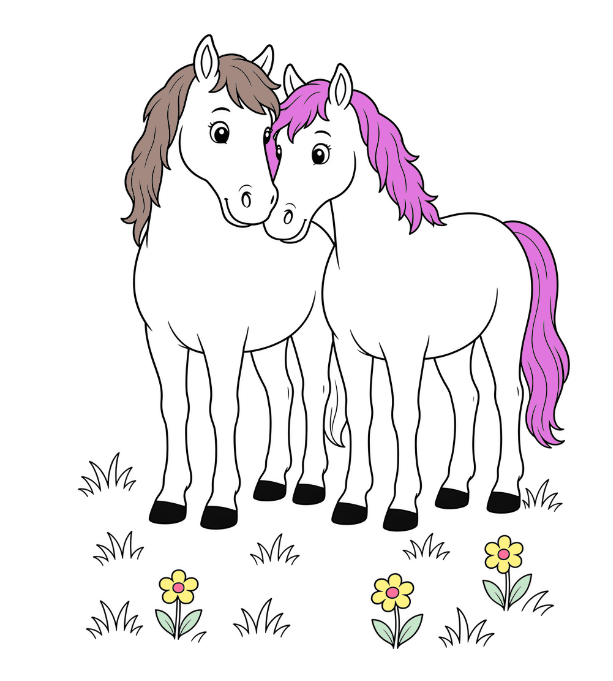
Horse Coloring Pages
Grazing, galloping, foals, and stable scenes to print or color online.
Fruit Coloring Pages
Apples, strawberries, watermelons, and more cute fruit outlines to print or color online.
Vehicle Coloring Pages
Fire trucks, police cars, planes, trains, and school buses to print or color online.
How to Color Online
Three steps from a blank outline to a finished picture
Pick a picture
Open a trending card or a collection above. Each picture has its own coloring page, with the line art already on the canvas.
Fill the shapes
Tap a color, then tap a white area. Eraser lifts one color. Reset clears the page and brings the black outlines back.
Keep your coloring
Save as PNG stores the picture on your device. Print my coloring prints the page with your colors still on it.
Color Anywhere
It runs in the browser
There is no app to install and no file to open first. The studio loads with the page.
A phone or tablet is enough
The canvas fits the screen. Pinch to look closer, then tap a shape to fill it.
Free, with no account
Every page is free to color. You do not sign up, and your colors are not saved to a profile.
Frequently Asked Questions
Do I need to download anything?
No. Online coloring opens in the browser. Pick a picture, and the canvas is ready. You can still save a PNG when you want a copy on your device.
Can I color on a phone?
Yes. The studio works on a phone or a tablet. Tap a color, then tap a white shape. Pinch the screen if you want a closer look at a small area.
Will my colors still be there if I leave?
Colors stay in the open tab until you press Reset or close it. They are not stored in an account. Use Save as PNG before you leave if you want to keep the picture.
Can I print after I color?
Yes. Print my coloring prints the sheet with your colors. You can also print the blank line art from a collection page. Turn headers and footers off, and set the scale to 100% or Actual size.